![NovisLogo-White Logo-REGISTERED.svg]](https://support.novis.com.au/hubfs/NovisLogo-White%20Logo-REGISTERED.svg)
PO's may be found in different location inside of HubSpot
1. Conversations Inbox by completing a search using the PO number
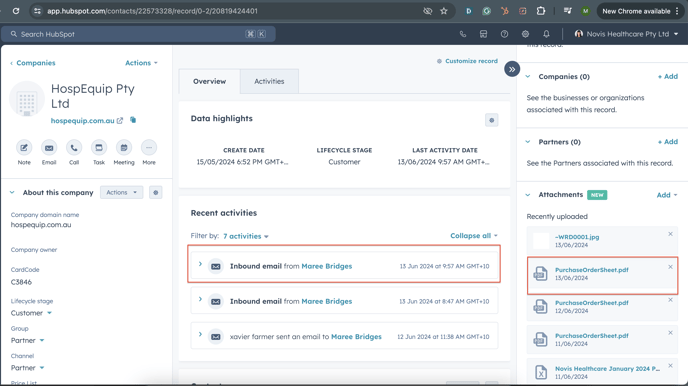
2. If the PO number is not referenced in the subject line, email body or file name you can view it in either Contacts or Companies:
Note: this is why it’s important for contacts to be assigned to companies - so the data can be associated with one another.
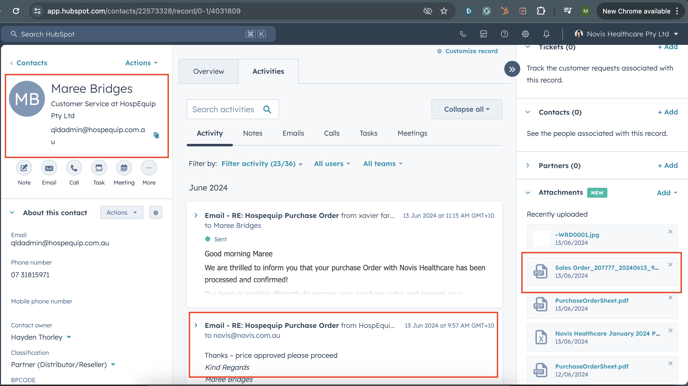
Contacts
- If searching by customers name:
Companies
If searching by company and when the contact has not been associated to the company.
Note: At this point you should add the contact to the companies card