![NovisLogo-White Logo-REGISTERED.svg]](https://support.novis.com.au/hubfs/NovisLogo-White%20Logo-REGISTERED.svg)
1. First, ask the customer's name and then use the search function to see if they already have a ticket in their name.
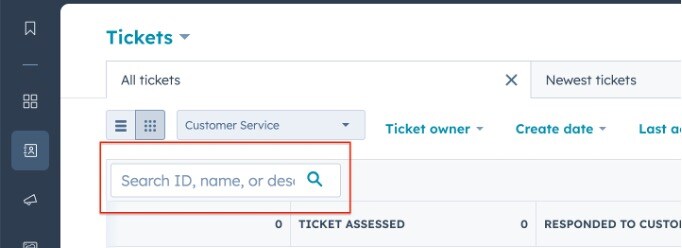
2. If there is no existing ticket, then remain in the ticket dashboard and create a ticket from there.

3. Populate the data until they get to the contact field - search for their name (or perhaps even email address?
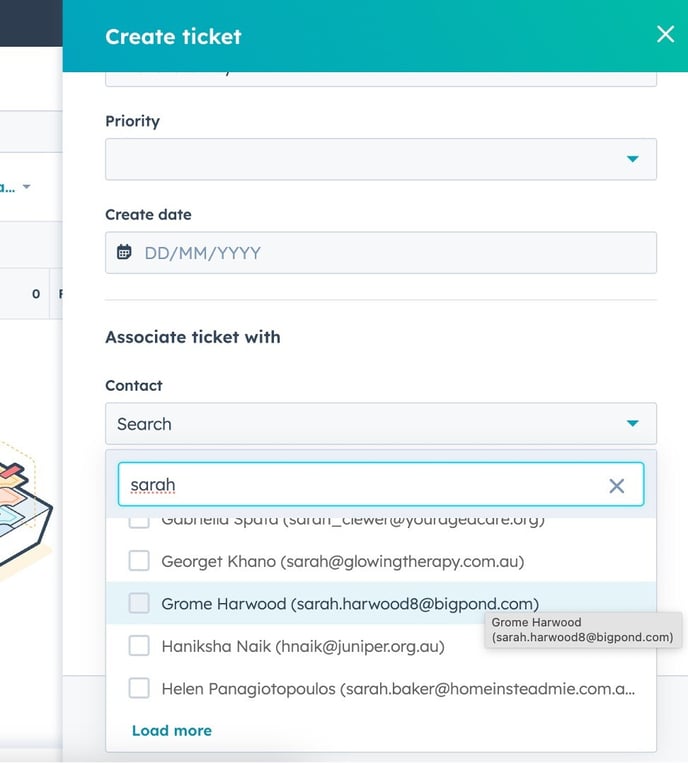
4.Select the contact
5.If there is no contact then create the ticket without the contact being associated
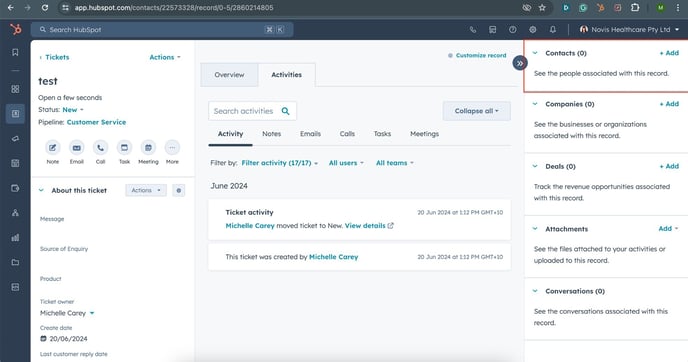
6.Inside the ticket on the right hand panel you can click to add a contact
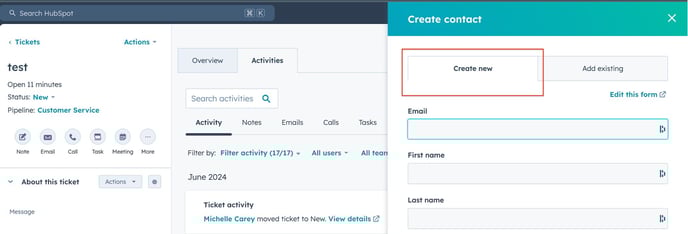
7.Select “create new” and populate the fields from there