![NovisLogo-White Logo-REGISTERED.svg]](https://support.novis.com.au/hubfs/NovisLogo-White%20Logo-REGISTERED.svg)
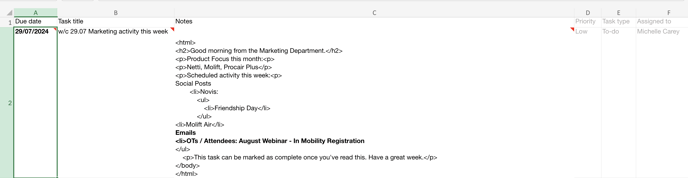
1. Open up the Weekly Marketing Activity Task Import spreadsheet.
2. Update the first row with all activity for the week using HTML and anything else you would like to communicate to the Sales Team.
3. Copy the row and populate downwards.
4. Download the spreadsheet to your computer.

5. Go to HubSpot Tasks.
6. Click on "Import" button.
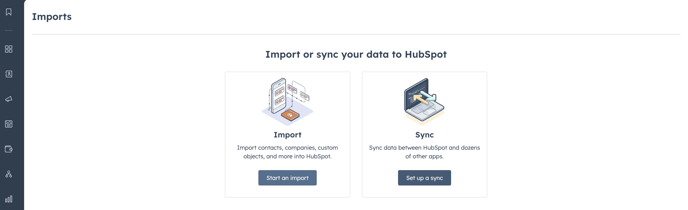
7. Select "Start an Import"
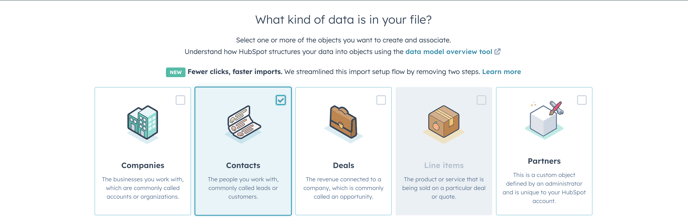
8. Select "Contacts"
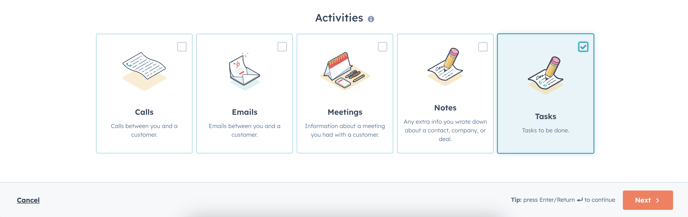
9. Select "Tasks"
10. Click on Next
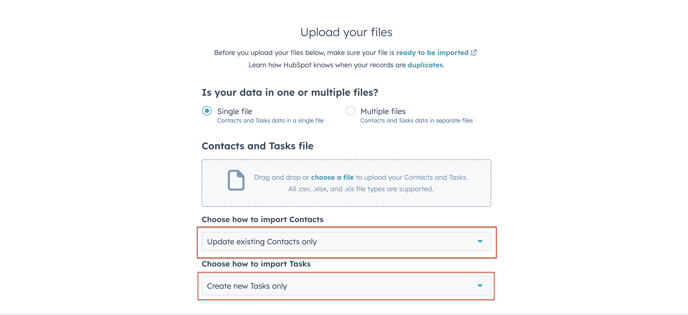
11. Ensure Single file is selected
12. Click Choose a file to upload the file
13. Ensure "update existing Contact only
14. Ensure "create new Tasks only"
15. Select Next
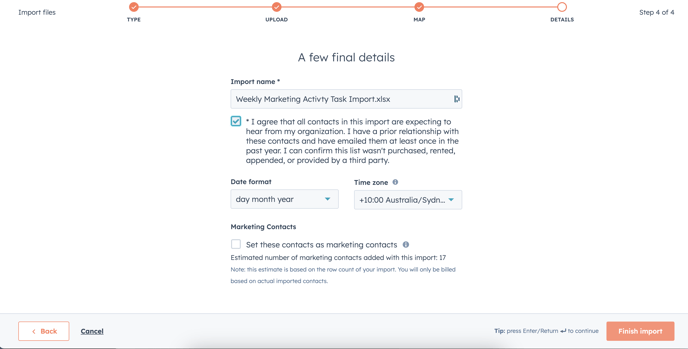
16. Select checkbox to agree to the terms
17. Click on Finish Import button